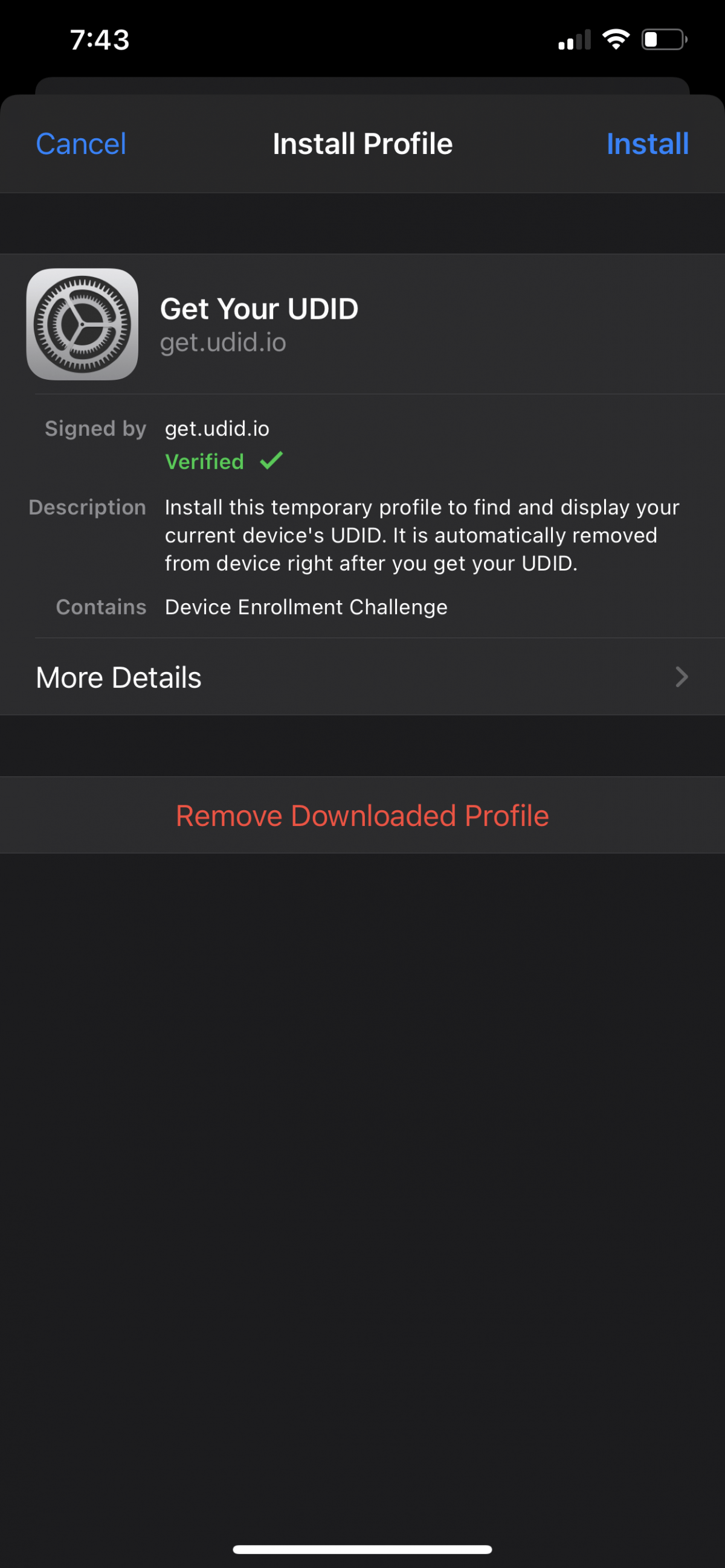
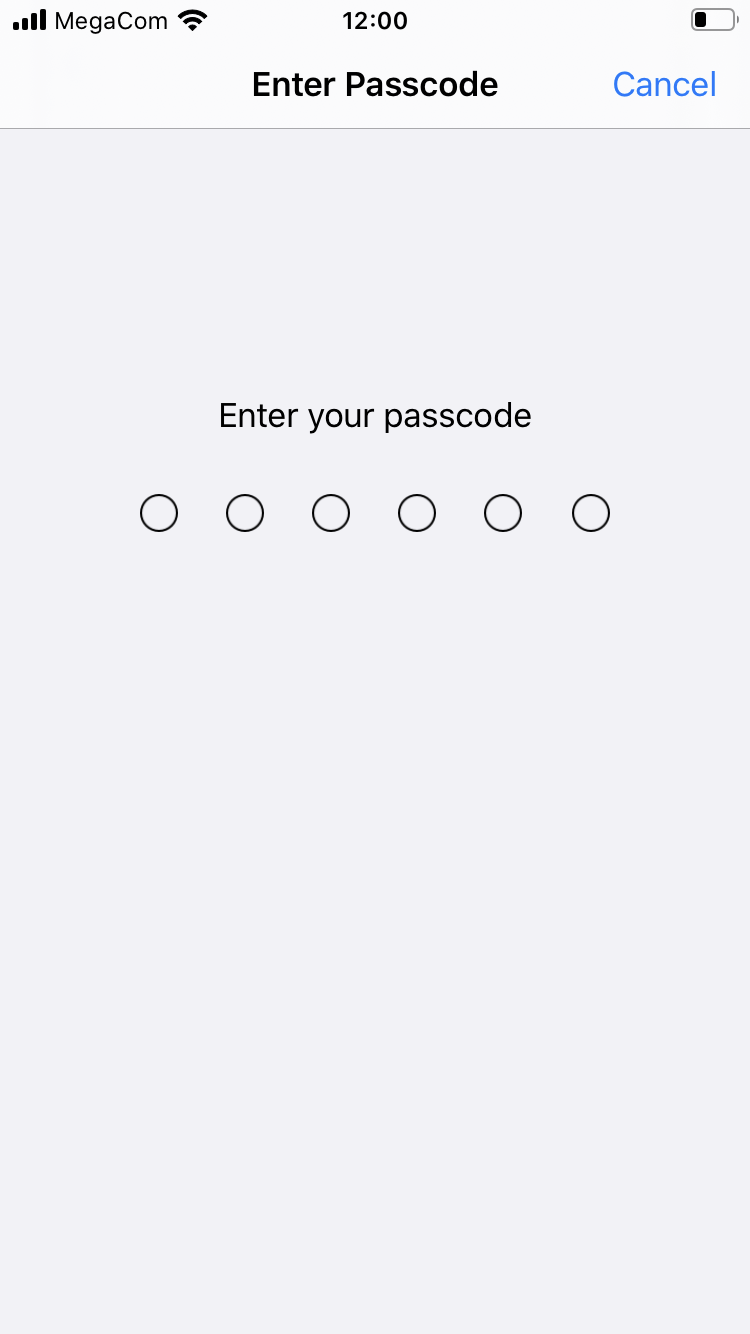
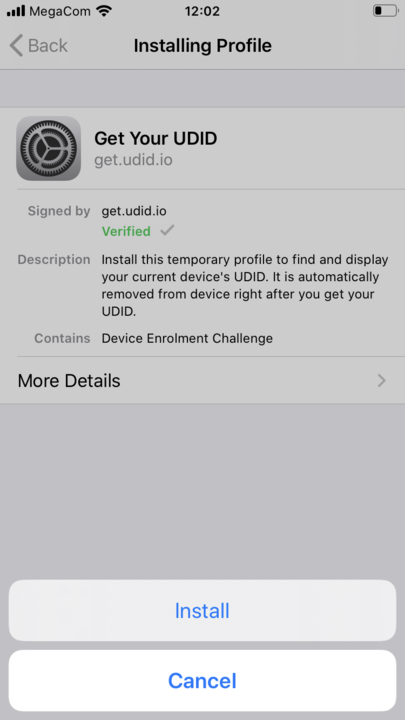
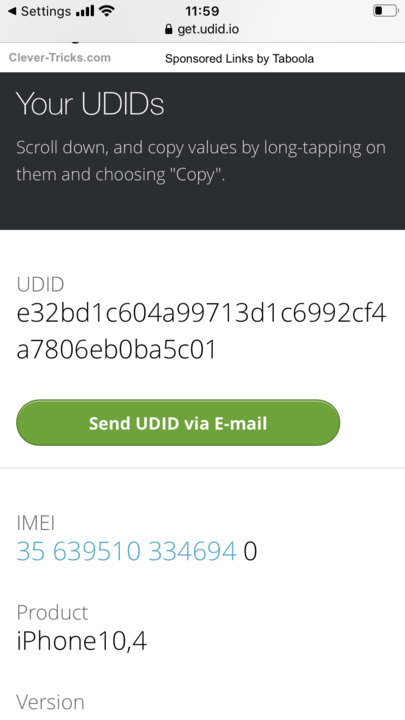
Tips How to find your UDID with Your iPhone (without pc/mac) You can get it here: https://get.udid.io/. 1. Click on “Install” 2. Enter your passcode 3. Click on “Install” 4.Tap to find UDID 5. Repeat again points 1-3 6. You will get your UDID How you find your UDID number on iPhoneSeptember 27, 2024How to Create Social Sharing Links without any ToolOctober 4, 2024